


Remove all the unnecessary DLL files from your system
Installing and uninstalling applications on any computer is something very usual. On many occasions, during the uninstallation of an application, the system asks us to confirm if we want to eliminate or maintain certain files with the .dll extension. When in doubt, it is better not to eliminate them, because we could cause other files not to work. But if we let unnecessary DLLs accumulate on our computer the system's performance will suffer.
Remove unnecessary DLLs from your computer
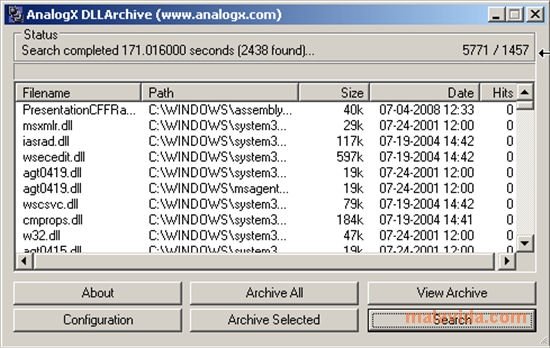
The solution is DLL Archive, a simple utility that allows us to securely remove DLL files that are no longer useful on our computer, thus improving its performance. And all this without affecting the system, because it is capable of identifying all those DLLs that are shared Windows resources.
How DLL Archive works is very simple. Once installed, click on the "Search" button. Next, the application will show us a list of all the detected DLLs. Now, all we have to do is select the DLL files that aren't shared and easily eliminate them.
 Vanessa Martín
¡Hi! I am Vanessa Martin, I like to travel, music, photography, and I am passionate about the Internet, as it is a great source of information where you can find everything you need. If it exists, it is on the Internet. Another of my great...

Antony Peel